Flash.
Anything.
Driverless firmware deployment for ESP32 platforms. Direct from browser to silicon. No tools, no setup — just pure speed.

Asset Packs
Load custom graphics and animations without manual compilation. Drag, drop, deploy.
Embedded JS Runtime
JavaScript engine on-device for rapid scripting and prototyping. No firmware rebuilds needed.
Verified Flash
CRC32 integrity check on every sector. Zero silent corruption. Every byte verified.
Dual Partition OTA
OTA-ready layout with BitWire OS dual-boot support. Swap partitions with zero downtime.
No Drivers
Pure Web Serial API. Works in Chrome, Edge, and Opera. Zero install. Zero friction.
460800 Baud
High-speed flashing with adaptive compression. Full firmware in under 30 seconds.
Connect
Plug in your device via data-capable USB cable. Click Connect.
Select
Choose your board from the list. All firmware variants are pre-configured.
Configure
Enable BitWire OS dual-boot, select asset packs, tweak partitions.
Flash
Hit deploy. Watch real-time progress. Reboot and done.
Browse Compatible Boards
Official BitWire OS supported hardware. Select to configure and flash instantly.

L15dev
Lead Developer

Evil
Developer

Vamp
Developer
BitWire Flasher
Ensure your device is connected via a data-capable USB cable before starting.
Ready for Deployment
Click connect to discover your device port and begin flashing.
Supported Hardware
Select your board to view firmware options and flash.
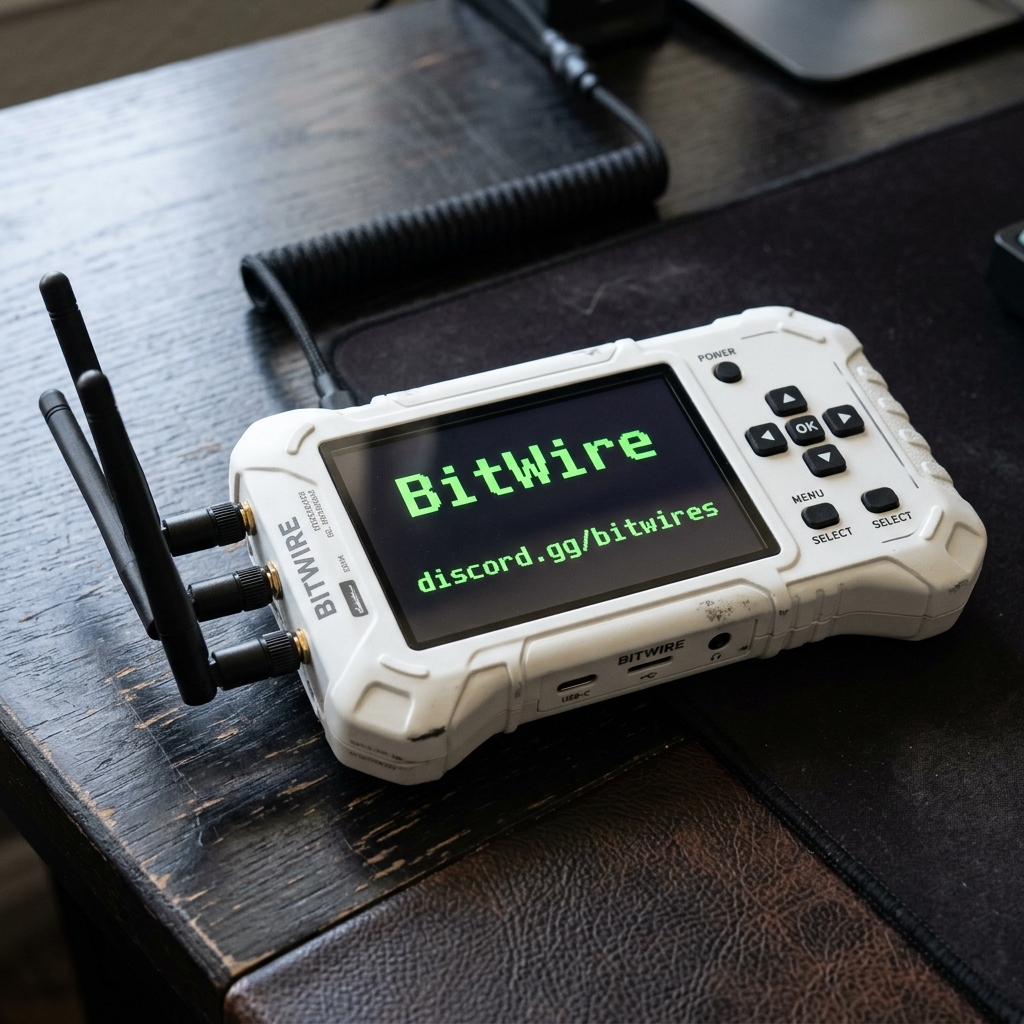
BitWire RF Reaper
Modular RF stack. CC1101 + NRF24L01 transceivers. ST25R3916 NFC. GPS & SD Slot.
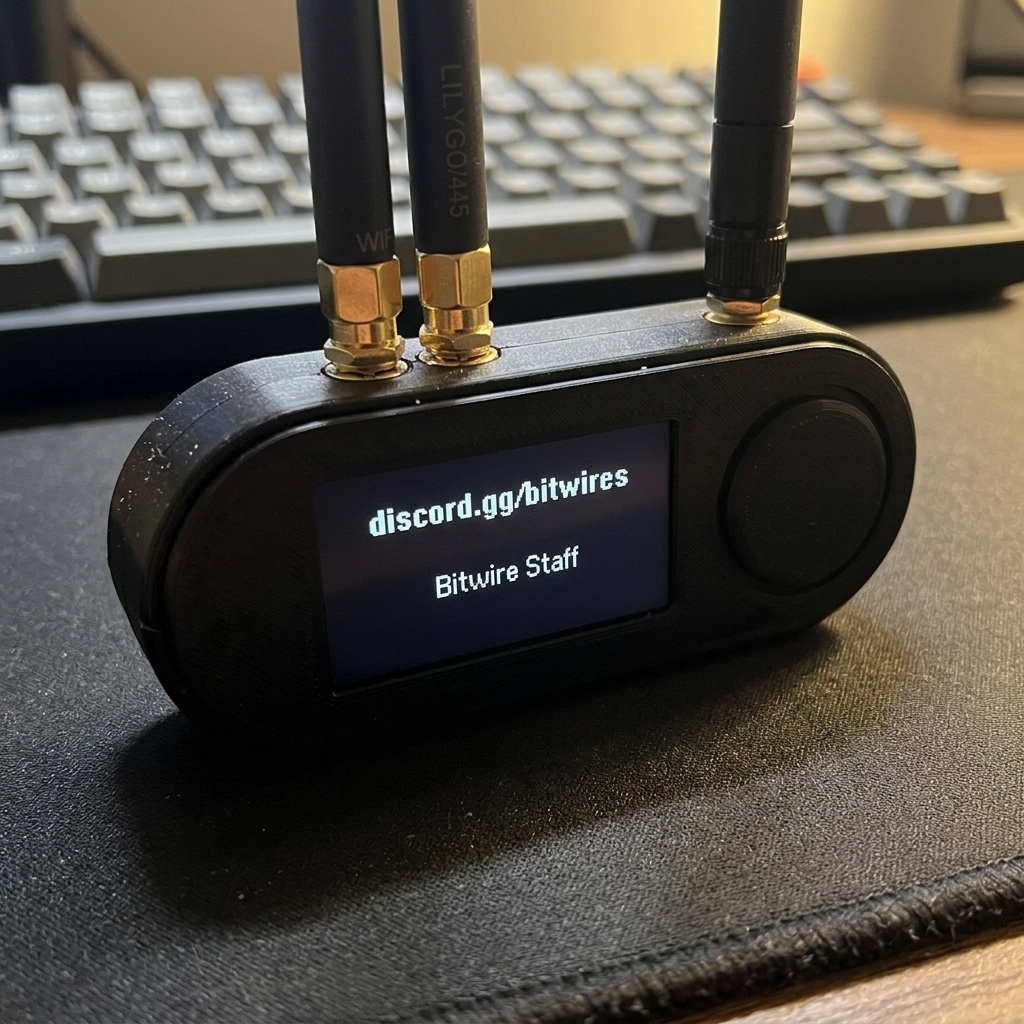
LilyGo T-Embed S3
Sub-GHz radio stack. CC1101 optimised. Rotary encoder support. Built-in TFT display.
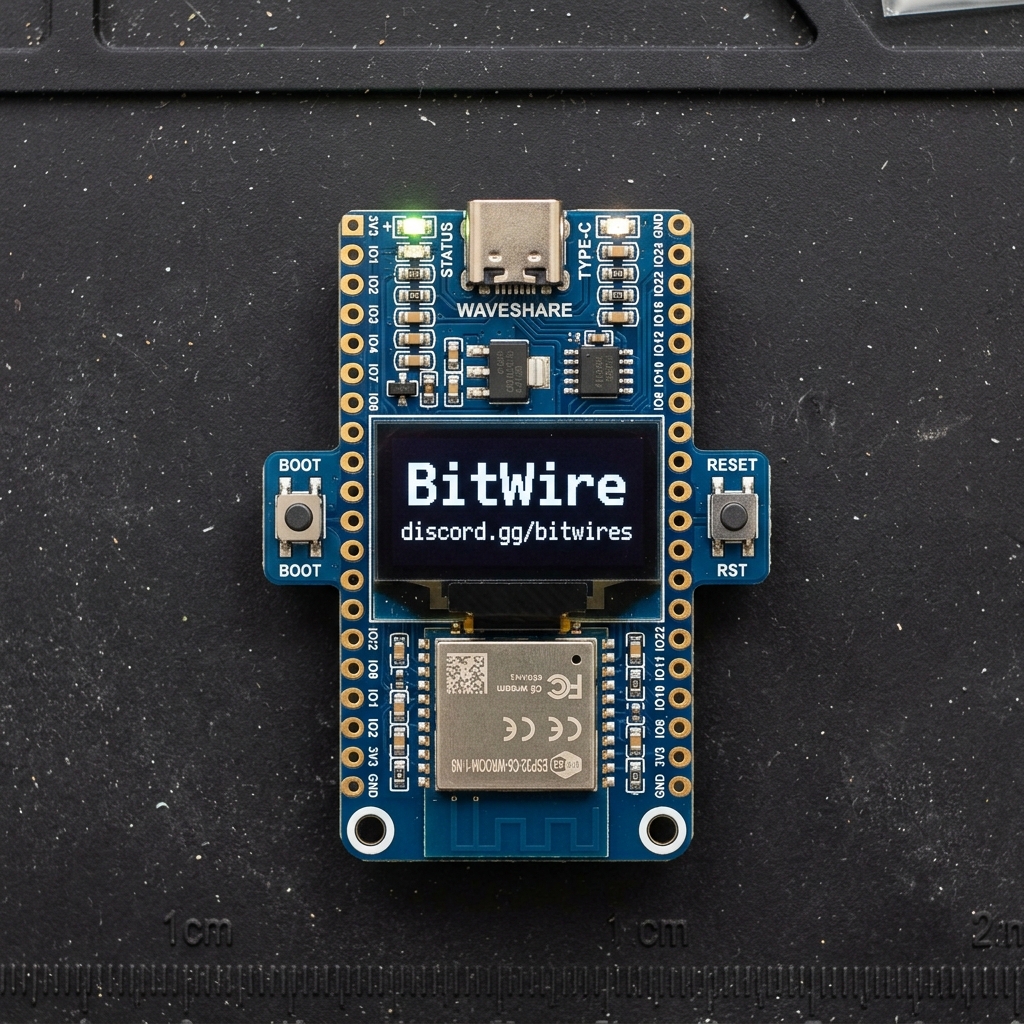
Waveshare C6 LCD
WiFi 6 with native Matter protocol. High-refresh display support. IEEE 802.15.4.
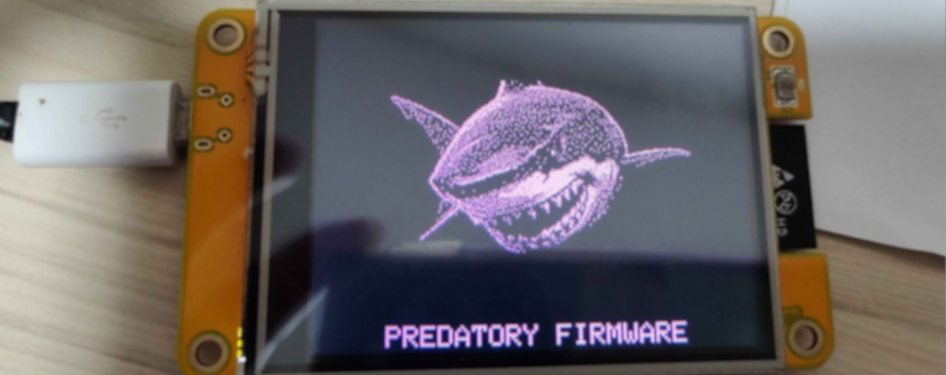
CYD-2432S028
Classic Cheap Yellow Display 2.4" — BitWire OS with discord.gg/bitwires.
ESP32 / ESP32-C5 touch displays — BitWire OS per variant.
M5Stack family and Arduino Nesso N1 — BitWire OS builds.
Compatible Devices Matrix
Compare the hardware feature support across your compatible BitWire boards. Hover over symbols for details.
| Device | CC1101 | NRF24 | FM Radio | NFC | Mic | BadUSB | RGB Led | Audio |
|---|---|---|---|---|---|---|---|---|
| BitWire RF Reaper | ✔ | ✔ | ✘ | ✔ | ✘ | ✔ | ✔ | ✔ |
| LilyGo T-Embed S3 | ✔ | ✔ | ✔ | ✔ | ✔ | ✔ | ✔ | ✔ |
| Waveshare C6 LCD | ℹ | ℹ | ✘ | ✘ | ✘ | ✘ | ✔ | ✘ |
| CYD-2432S028 | ℹ | ℹ | ℹ | ℹ | ✘ | ✘ | ✘ | ✘ |
Ready to flash from the website: CYD-2432S028, T-Embed, Reaper, Waveshare C6. Coming soon: other CYD and M5 boards — listed in the flasher, firmware not built yet.
Serial Developer Console
Establish serial communication and interact with your ESP32 device directly from the browser.
Documentation
Quick start, architecture, and API reference.
Quick Start
Get your board flashed in under 2 minutes. Step-by-step with screenshots.
Architecture
Dual-partition layout, bootloader flow, and OTA update mechanics.
JS Runtime API
Embedded JavaScript reference — GPIO, display, sub-ghz, and more.
Asset Pack Format
Create custom asset packs for graphics, fonts, and configuration.
Changelog Guide
Full release history, breaking changes, and migration guides.
Board Definitions
Add new boards to BitWire. Pin mappings and partition tables.
Changelog
Release notes and version history.
v2.4.1 Latest
2026-06-12- + Adaptive compression for faster flash times
- + Bruce OS dual-boot toggle in flasher UI
- * Fixed CRC verification on large partitions
- * Improved Waveshare C6 display init
v2.3.0
2026-05-28- + T-Embed S3 full support with CC1101
- + Rotary encoder integration
- * 30% faster flash via LZ4
v2.2.0
2026-05-10- + Initial Waveshare C6 LCD support
- + Web Serial API connection manager
- * Migrated to esptool-js v0.5.4
System Settings
Customize the dashboard appearance, default flashing speeds, and experimental configurations.